
Download TowerClimb – Tower Climb, Platformer, Roguelike, Multiplayer, Climbing Game, Android Game, Local Multiplayer, Procedural Generation
Overview
TowerClimb presents itself as a high-stakes, reflex-driven platformer designed for players seeking both challenge and reward. The game tasks users with scaling towering structures that are filled with hazards, traps, and hidden secrets, requiring precision, persistence, and strategic planning. Each ascent is a test of skill, where every decision—whether to take a risky shortcut or play it safe—can determine success or failure. The game is particularly suited for fans of roguelike mechanics and tight platforming, offering a dynamic experience that evolves with every playthrough. Developed by Two Brothers Studio, a small independent team, TowerClimb reflects a personal vision rooted in creative experimentation and gameplay depth. Although the developer did not provide additional technical details, the game’s design suggests a strong focus on player agency and emergent gameplay. Real-world use cases include casual gaming sessions for short bursts of intense action, as well as longer gameplay marathons for those aiming to master the tower’s complexities. In the broader mobile gaming ecosystem, TowerClimb stands out as a niche yet compelling title that bridges the gap between arcade-style action and deep, replayable content.Key Features & Functionality
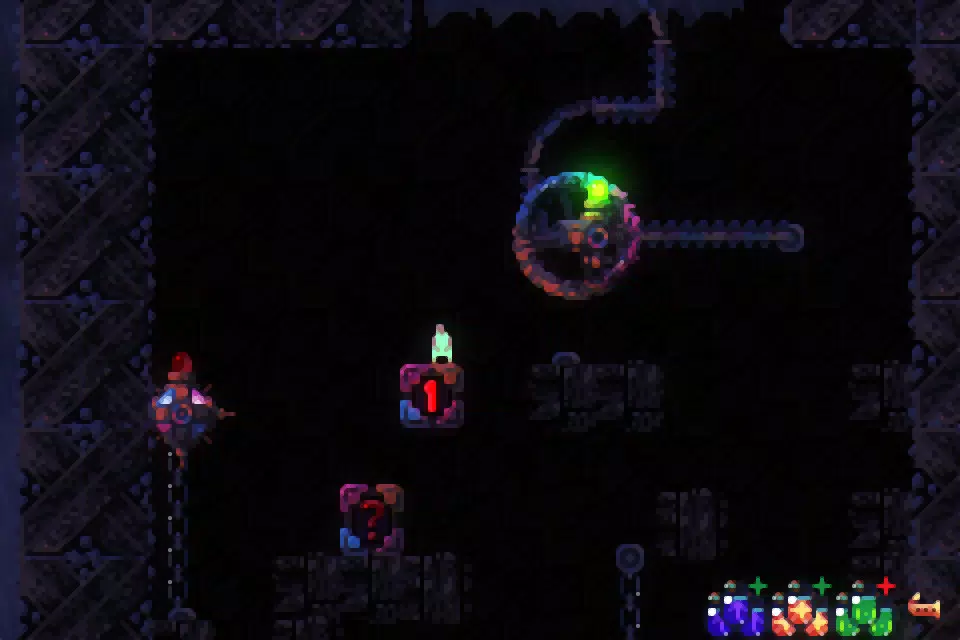
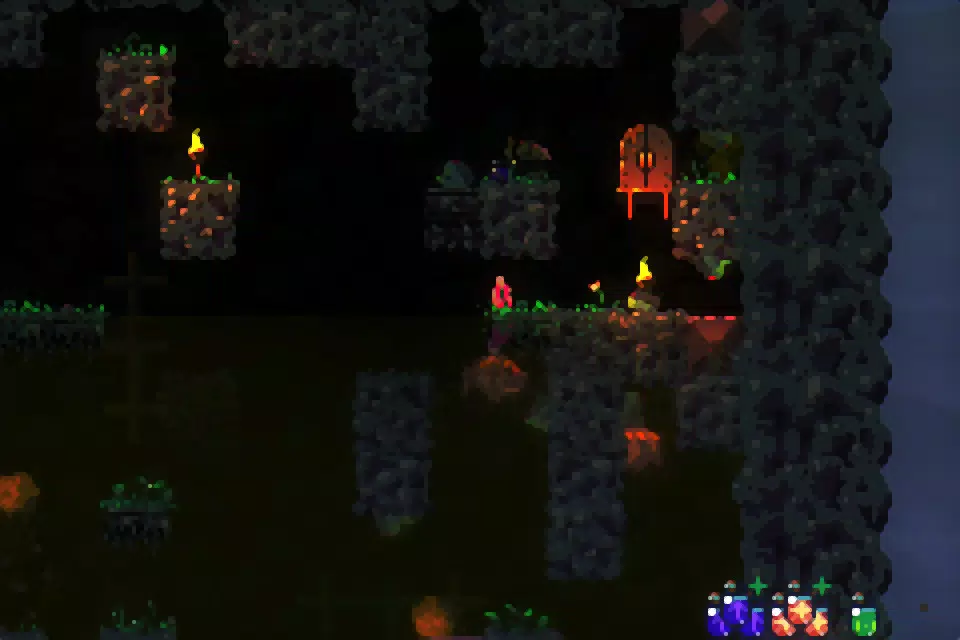
- Procedural Level Generation: Each playthrough generates a unique tower layout, ensuring no two climbs are identical. This mechanic encourages adaptability and exploration, as players must constantly reassess their approach based on new terrain and hazards.
- Local Multiplayer Support: TowerClimb enables local multiplayer with up to 25 players, though gameplay is designed for split-screen or single-screen formats with support for up to 4 controllers. This allows for competitive or cooperative play, fostering social interaction in casual gaming environments.
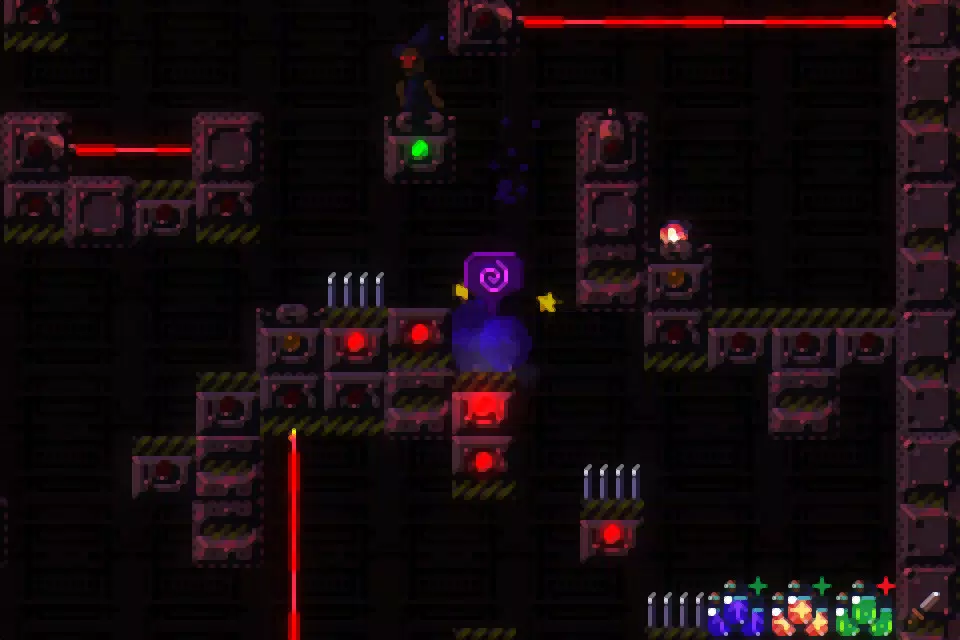
- Tight Control Mechanics: The platforming controls are highly responsive, giving players precise movement during climbing, jumping, and dodging. This responsiveness is essential for navigating narrow ledges, moving platforms, and sudden environmental threats.
- Depth of Content: Beyond the core climbing challenge, the game features hidden areas, secret bonuses, and unlockable game modes. These elements provide long-term engagement and incentive for repeated play to discover all content.
- Progress Tracking via Death Logs: The game automatically saves screenshots and data from each character’s demise. This feature serves both as a humorous record of failures and a tool for analyzing patterns in gameplay, helping players refine their strategies over time.
Interface, UX & Performance
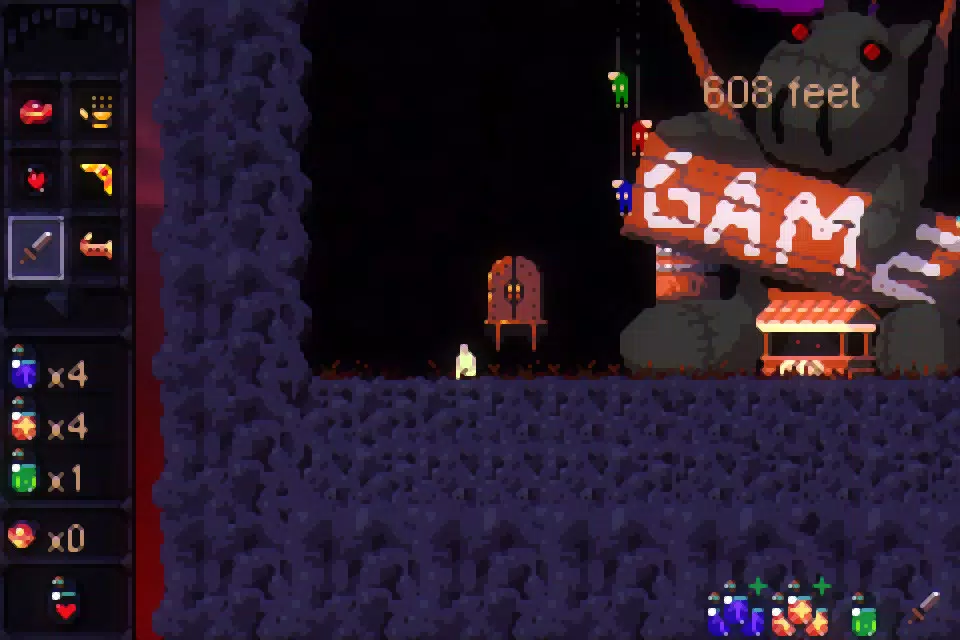
The user interface of TowerClimb is designed with clarity and focus in mind, prioritizing gameplay visibility over clutter. The HUD displays essential information such as current height, time elapsed, and player status, all positioned to minimize obstruction. Navigation is intuitive, with controls mapped directly to on-screen buttons or connected controllers, allowing for smooth transitions between actions. The visual style blends minimalist design with dynamic lighting and environmental effects, enhancing the sense of verticality and danger. Although the developer did not list formal performance metrics, the game’s 114 MB file size suggests a streamlined design optimized for mobile devices. Performance is expected to remain stable across mid-range and high-end Android devices, with responsiveness likely maintained through efficient rendering techniques. The game’s stability appears consistent, as no reports of crashes or freezes were mentioned in available documentation. While the developer did not specify minimum OS requirements, the game’s long-standing release date (2015) indicates broad compatibility with modern Android versions. Overall, the UX is tailored for quick engagement, with minimal onboarding and immediate access to gameplay.Platform Compatibility & Technical Requirements
TowerClimb is available exclusively on the Android platform, with a current version of 1.1.3. The app has a file size of 114 MB, which is relatively compact for a game with procedural generation and multiplayer features. The developer did not specify minimum OS requirements, nor did they list any hardware-specific dependencies. As such, compatibility with specific Android versions or device types remains unclear. However, given the app’s release date in 2015 and its lightweight footprint, it is likely compatible with a wide range of Android devices, including older models. No cloud sync, online accounts, or internet connectivity are required for core gameplay, making it accessible even in low-connectivity environments. The absence of in-app purchases or ads, combined with a free price tag, enhances its accessibility. Users should verify device compatibility through official app store listings before installation.Pros and Cons
- Free to download and play with no in-app purchases
- Procedurally generated levels ensure high replayability
- Local multiplayer with up to 4 controllers supports social gameplay
- Responsive controls enhance precision in challenging sequences
- Unique death log feature provides insight and humor
- Developer did not provide information on minimum OS or device requirements
- Only available on Android, with no iOS version confirmed
- Local multiplayer requires physical proximity and multiple controllers
- Gameplay may be too difficult for casual or beginner players
- Visual style is minimalistic, which may not appeal to all users


